
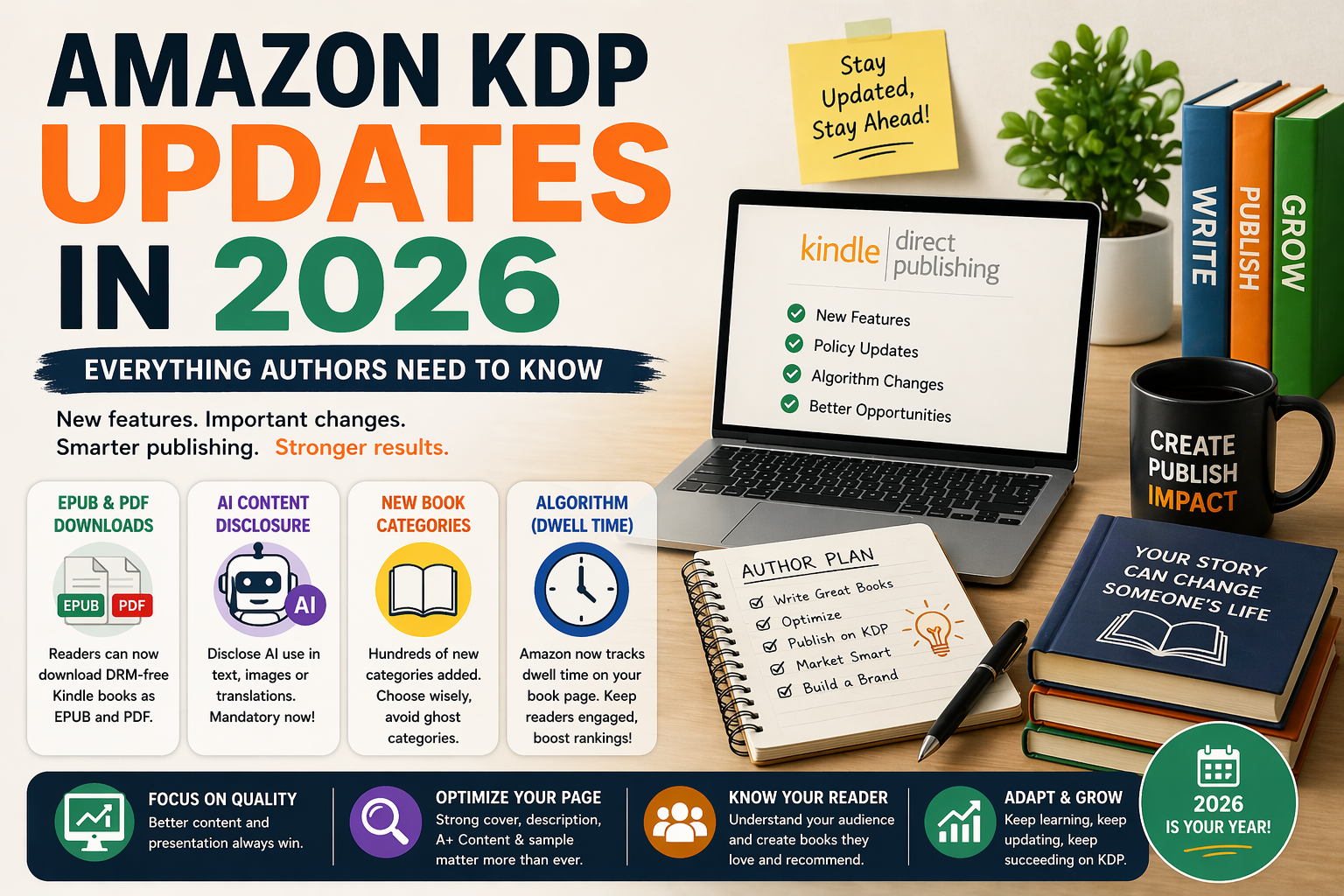
If you've been publishing on Amazon KDP for a while, you already know one thing: the platform never stays the same for long.
And 2026? It's been one of the biggest years for KDP changes in recent memory.
Whether you're a first-time author just uploading your manuscript, or a seasoned self-publisher with 10 books already live — these updates affect you. Some of them are exciting. Some of them are a little frustrating. And a few of them could seriously hurt your book's visibility if you're not paying attention.
Let's break down every major Amazon KDP update in 2026, in plain English — no jargon, no fluff.
1. Kindle Books Can Now Be Downloaded as EPUB and PDF
This is probably the biggest KDP news of early 2026 — and it quietly went live on January 20, 2026.
Here's what changed: if you publish your Kindle eBook without DRM (Digital Rights Management), your readers can now download it as an EPUB or PDF file — not just read it inside the Kindle app.
What does this mean for you as an author?
Previously, when a reader bought your Kindle book, they could only read it on a Kindle device or the Kindle app. Now, DRM-free books can be read on any device — iPad, Android, Kobo, even a desktop PDF reader.
The good news: More flexibility for your readers means a better reading experience. Happy readers leave better reviews.
The catch: This only applies to books published after January 20, 2026 — or older books where you manually opt in through your KDP dashboard.
Should you enable DRM or not?
This is now a more important decision than it used to be.
- DRM ON = your book stays locked inside Kindle. Readers can't download EPUB or PDF. More control for you.
- DRM OFF = readers can download EPUB and PDF. More flexibility for readers. Slightly higher piracy risk, though most authors find piracy minimal.
For children's books specifically — where the illustrations are the main selling point — DRM-off is generally fine. Readers aren't buying your picture book to pirate it. They're buying it for their kids.
Action step: Go to your KDP dashboard, review your DRM settings on all published titles, and decide which option suits your books.
2. AI Content Disclosure Is Now Mandatory
This one is non-negotiable — and ignoring it can get your book removed.
Amazon now requires all authors to disclose if AI was used in creating their book content. This includes:
- AI-generated text (story, descriptions, back cover copy)
- AI-generated illustrations or images
- AI-assisted translations
Does this mean AI is banned on KDP?
No. Amazon is not banning AI-assisted publishing. You can still use AI tools to help with your writing, editing, or even illustration work.
What Amazon won't accept is:
- Fully AI-generated books with no human creative input
- Books where AI use is hidden or not disclosed
Where do you disclose AI use?
When uploading or editing your book in KDP, you'll see a new section asking about AI-generated content. Be honest here. Amazon's systems are getting better at detecting AI content — and a penalty or removal is far more damaging than a disclosure note.
Action step: Review all your current and upcoming titles. If any AI tools were used — even partially — disclose it accurately in your KDP settings.
3. Hundreds of New Book Categories Added — But Be Careful
Amazon quietly rolled out hundreds of new subcategories in early 2026. On the surface, this sounds great — more specific categories means less competition, right?
Not always.
Many of these new categories have very low traffic — what publishers are calling "ghost categories." A book can rank #1 in a ghost category and still get almost zero sales because nobody is browsing or searching that category.
How to pick the right category in 2026
- Check the bestseller rank of books already in that category. If the #1 book has a rank of 500,000 or worse, the category has no traffic.
- Look for categories with at least a few books ranked under 100,000 — that shows real buyers are finding those books.
- Use two categories strategically — KDP allows you to select two categories. Pick one broad category with proven traffic and one specific niche category where you can rank #1.
For children's books, solid performing categories in 2026 include:
- Children's Books → Growing Up & Facts of Life → Friendship
- Children's Books → Arts, Music & Photography → Art & Illustration
- Education & Teaching → Schools & Teaching → Early Childhood Education
Action step: Review your current categories. If any feel overly niche and your book isn't getting organic traffic, switch to a category with more proven buyers.
4. The KDP Algorithm Now Measures "Dwell Time"
This is one of the most important — and least talked about — changes to how Amazon ranks books in 2026.
Amazon's algorithm now pays close attention to how long a reader spends on your book's product page before deciding to buy (or leave). This is called "dwell time."
Specifically, Amazon is now tracking:
- Did the reader scroll down and read your A+ Content?
- Did they open the "Look Inside" preview and read a few pages?
- Did they read your full book description?
- How long did they spend on the page before clicking "Buy"?
A reader who spends 3 minutes reading your sample and then buys sends a powerful signal to Amazon's algorithm: this book is worth showing to more people.
A reader who lands on your page and immediately bounces sends the opposite signal.
What this means for your book page
Your book page is now more important than ever. Every element — cover, title, description, A+ content, Look Inside preview — needs to be strong enough to keep a reader engaged.
Action steps:
- Rewrite your book description if it's short or generic. Use clear, emotional language that speaks directly to your reader.
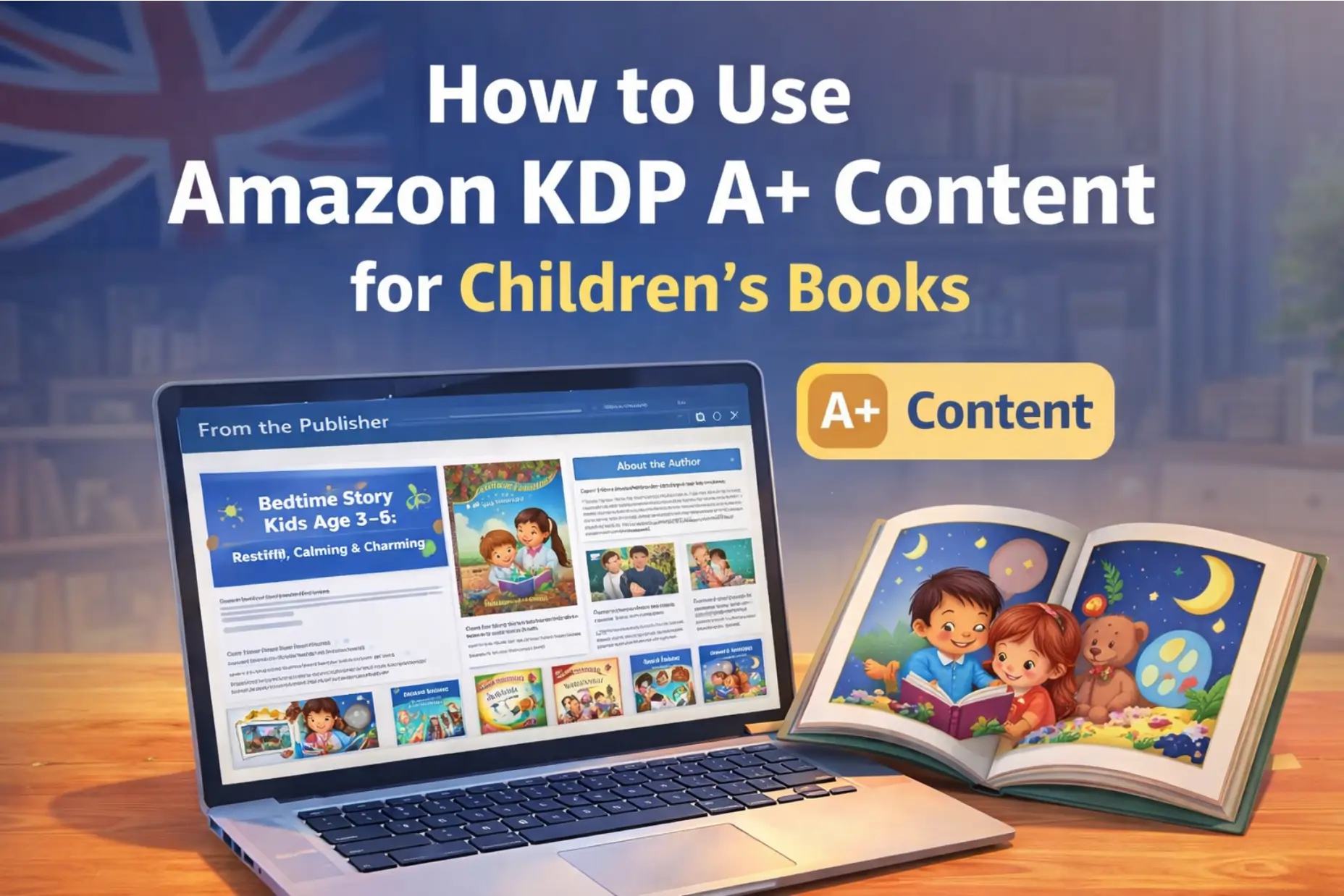
- Set up KDP A+ Content if you haven't already. This is free and adds visual sections below your description — perfect for showcasing illustration style.
- Make sure your Look Inside is compelling. The first few pages of your book need to hook the reader immediately.
5. External Traffic Now Gives You a Ranking Boost
Here's one update that actually works in your favor — especially if you have a blog, social media following, or email list.
In 2026, Amazon's algorithm now gives a ranking boost to books that receive external traffic — meaning visitors who come to your Amazon book page from outside Amazon (Pinterest, Instagram, your blog, email newsletter, TikTok, etc.).
Amazon loves it when you bring them new customers. And they reward you for it.
If you use Amazon Attribution links (free to set up in your KDP account), you can track exactly where your traffic is coming from — and Amazon gives you additional visibility for those external clicks.
How to use this for your children's book
- Pinterest: Pin your book cover and illustrations with a link to your Amazon page. Pinterest traffic converts extremely well for children's books because parents are actively looking for gift ideas and reading recommendations.
- Your blog: Every blog post on Kidillus.com is an opportunity to naturally mention and link to your published books.
- Instagram/Facebook: Share behind-the-scenes illustration process content and link to your Amazon page in bio.
- Email list: Even a small email list of 200-300 readers who actually care about your books can generate enough external clicks to trigger a ranking boost.
Action step: Set up Amazon Attribution links in your KDP account and start driving at least some traffic from Pinterest or your blog to your book pages.
6. "Unreadable Titles" Now Get Penalized
Amazon has introduced NLP (Natural Language Processing) to evaluate book titles. In simple terms — Amazon can now tell if your title sounds natural and human, or if it looks like keyword-stuffing.
Titles like "Children Book Illustration Art Picture Story Kids Reading Learn ABC" used to work for gaming the search algorithm. In 2026, they actively hurt your ranking.
What makes a good title in 2026?
- Clear and readable — a real person should be able to read it naturally
- Specific but not stuffed — one or two keywords maximum in the title
- Subtitle does the heavy lifting — use your subtitle to add descriptive keywords naturally
Example of a bad title: "Children Book Bedtime Sleep Story Kids Illustrated Picture Book Read Aloud"
Example of a good title: "The Night the Stars Forgot to Shine — A Bedtime Story for Little Dreamers"
Action step: Review your book titles. If any of them look like a list of keywords instead of a real book name, update them.
7. Verified Reviews Are Now the Only Reviews That Matter
Amazon has always valued reviews — but in 2026, the algorithm has made a clear distinction: verified purchase reviews are the only ones that significantly impact your ranking.
Unverified reviews (from people who didn't buy on Amazon) are now given very little weight in the ranking algorithm. In some cases, they're hidden from the main review display entirely.
On top of that, Amazon is now watching review velocity — meaning the pattern of when reviews come in. If you get 50 reviews in a single week and then nothing for months, the algorithm flags it as suspicious.
A slow, steady trickle of genuine reviews is far more valuable than a sudden spike.
How to get more verified reviews legitimately
- Include a gentle call to action at the end of your book: "If your little one enjoyed this story, we'd love to hear from you on Amazon!"
- Use Amazon's "Request a Review" button in your KDP dashboard for every sale
- Send review requests to your email list after launch — but ask them to purchase first, then review
- Reach out to children's book bloggers who will purchase and review your book
Action step: Use the "Request a Review" button in KDP for your existing titles. It's free, automated, and sends a compliant review request directly from Amazon.
8. KDP Dashboard and Rights & Pricing Page — Updated Interface
In April 2026, Amazon quietly rolled out a refreshed KDP dashboard and an updated Rights & Pricing page. The core functionality is the same, but the layout has changed.
A few things to note:
- The Rights & Pricing page now shows royalty calculations more clearly as you adjust price and territory settings
- The dashboard homepage has a cleaner layout with updated sales reporting
- Some settings that were previously buried are now easier to find
If you logged in recently and felt confused by the new layout — you're not alone. Give yourself a few minutes to explore. Everything is still there, just reorganized.
Quick Summary: What To Do Right Now
Here's your action checklist based on every update covered above:
This week:
- Review your DRM settings on all published titles
- Check if any of your books need AI disclosure added
- Set up Amazon Attribution links for external traffic tracking
This month:
- Audit your book categories — remove any ghost categories
- Rewrite or improve your book descriptions for dwell time
- Set up A+ Content if you haven't already
- Review your book titles for keyword stuffing
- Use the "Request a Review" button on all existing titles
Ongoing:
- Drive external traffic from Pinterest, your blog, and social media
- Aim for 1–2 new genuine reviews per month per book
- Stay updated — KDP changes often, and staying informed is your competitive edge
Final Thoughts
Amazon KDP in 2026 is rewarding authors who treat publishing like a professional craft — and quietly penalizing those who rely on shortcuts from 3–4 years ago.
The good news? If you're already focused on quality — professional illustrations, strong formatting, genuine reader engagement — these updates are working in your favor. They're clearing out the noise and giving well-crafted books more room to be discovered.
Stay consistent, keep publishing, and treat every book page like a storefront that deserves your full attention.
Need help with professional illustrations or formatting for your next KDP book? Get a free quote from Kidillus — we've helped over 1,000 authors create books that stand out on Amazon.
Related Articles:
- How to Use Amazon KDP A+ Content to Sell More Books
- Children's Book Illustration Cost: Complete 2026 Breakdown
- How to Create a Children's Book Series
- How Children’s Book Illustrations Impact Sales on Amazon KDP