
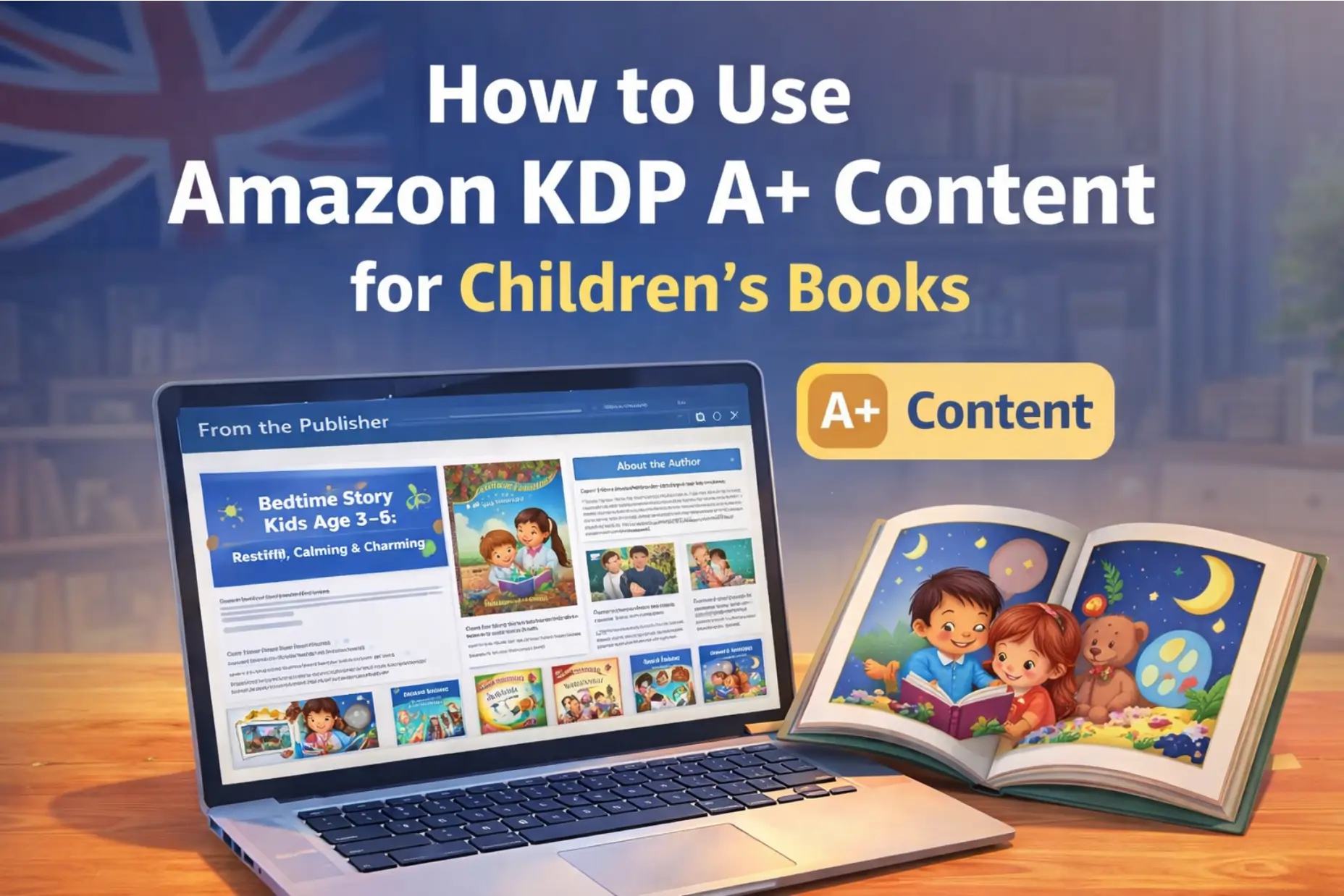
Publishing your book on Amazon KDP is a big milestone.
But once your book is live, a new challenge appears:
How do you convince parents or readers to actually click “Buy Now”?
This is where Amazon KDP A+ Content comes in.
Many first-time authors either ignore A+ Content completely or rush into it without a plan. Both are mistakes. When used properly, A+ Content can quietly improve trust, conversions, and book sales—especially for children’s books.
At Kidillus, we work with authors every day, and this guide breaks A+ Content down in plain, no-nonsense language.
What Is Amazon KDP A+ Content?
A+ Content is an enhanced section on your Amazon book page that appears below the description, usually under a heading like “From the Publisher.”
It allows you to add:
- Visual layouts
- Images and graphics
- Structured text blocks
- Comparison sections (for series or related books)
Think of it as a mini landing page inside Amazon.
The goal is simple:
👉 Help shoppers understand your book faster and feel confident buying it.
Good A+ Content doesn’t shout.
It quietly answers doubts.
Is A+ Content Free on KDP?
Yes. Completely free.
Earlier, this feature was only available to large publishers and cost hundreds of dollars per book. Today, any author with a book published or on pre-order via KDP can use it.
You do not need:
- KDP Select
- Amazon Brand Registry
- A publisher account
Just a published KDP book.
Why A+ Content Matters (Especially for Children’s Books)
Children don’t buy books. Parents do.
Parents want to know:
- Is this book age-appropriate?
- What kind of illustrations does it have?
- What values or lessons does it teach?
- Does it look professional?
A+ Content lets you answer these questions visually and clearly—without stuffing everything into the description.
For children’s books, A+ Content is especially powerful because:
- Visuals matter more than text
- Trust matters more than hype
Clarity beats clever marketing tricks
Before You Start: Don’t Skip This Step
The biggest mistake authors make is opening KDP and starting to build A+ Content immediately.
Don’t do that.
A+ Content works best when it’s done in two phases:
- Planning (thinking)
- Execution (building)
Skipping planning almost always leads to rejection, frustration, or weak results.
Phase 1: Planning Your A+ Content (The Smart Way)
Step 1: Study Other Books Like Yours
Search Amazon for books in your niche:
- Children’s picture books
- Bedtime stories
- Educational kids books
- Fiction or nonfiction (your category)
Scroll down and study their A+ Content:
- What images are they using?
- Are they focusing on benefits or features?
- How much text do they use?
You’re not copying—you’re learning what Amazon already approves.
Step 2: Decide What You Want to Say
A+ Content is not a repeat of your book description.
Ask yourself:
- What makes this book special?
- What problem does it solve for parents or readers?
- What feeling should the buyer have after reading this page?
For kids’ books, strong angles include:
- Emotional learning
- Reading level clarity
- Art style consistency
- Story themes (kindness, confidence, friendship)
Step 3: Match Ideas to A+ Modules
Amazon provides 17 different A+ modules (layouts).
Examples:
- Image + text
- Text-only
- Image comparison
- Series overview
Plan which idea fits which module before opening the builder.
Even rough notes on paper are enough.
Phase 2: Creating A+ Content Inside KDP
Once you have a plan, execution becomes easy.
Step 1: Open the A+ Content Builder
In your KDP dashboard:
- Go to Marketing
- Choose A+ Content
- Click Create A+ Content
You can start with or without an ASIN.
Step 2: Build Slowly and Carefully
Each module shows:
- Image size requirements
- Character limits
- Text placement rules
Follow them exactly. Amazon is strict here.
Tip from Kidillus:
👉 Create images specifically for A+ Content, not reused social media graphics.
Step 3: Save Drafts Often
You don’t need to finish everything in one sitting.
A+ Content works best when you:
- Build
- Review
- Improve
- Proofread
Many professionals complete it over 2–3 sessions.
Important Rules You Must Follow (Very Important)
Amazon rejects A+ Content more often than people expect.
Here are the biggest rules to remember:
❌ What You Cannot Include
- Prices, discounts, or promotions
- Words like “Buy Now,” “Free,” “Best,” “On Sale”
- Customer reviews or testimonials
- References to other books or authors
- Kindle Unlimited mentions
- Time-based phrases like “New,” “Latest,” “This Year”
✅ What You Can Include
- Clear benefits
- Educational value
- Reading age guidance
- Illustrator or author information
- Book themes and tone
For children’s books, keep everything calm, helpful, and parent-focused.
Approval Process: What to Expect
A+ Content goes through two checks:
- Automated scan
- Human review (if needed)
Approval usually takes:
- 2–8 business days
Tip:
Submit early and fix flagged issues before final submission.
Final Advice from Kidillus
A+ Content is not a sales trick.
It’s a trust-building tool.
If your A+ Content:
- Matches your book honestly
- Looks professional
- Helps parents decide
Then Amazon rewards you naturally—with better conversions over time.
No hacks. No shortcuts. Just clarity.
Official reference: Amazon KDP A+ Content guidelines View on Amazon KDP