
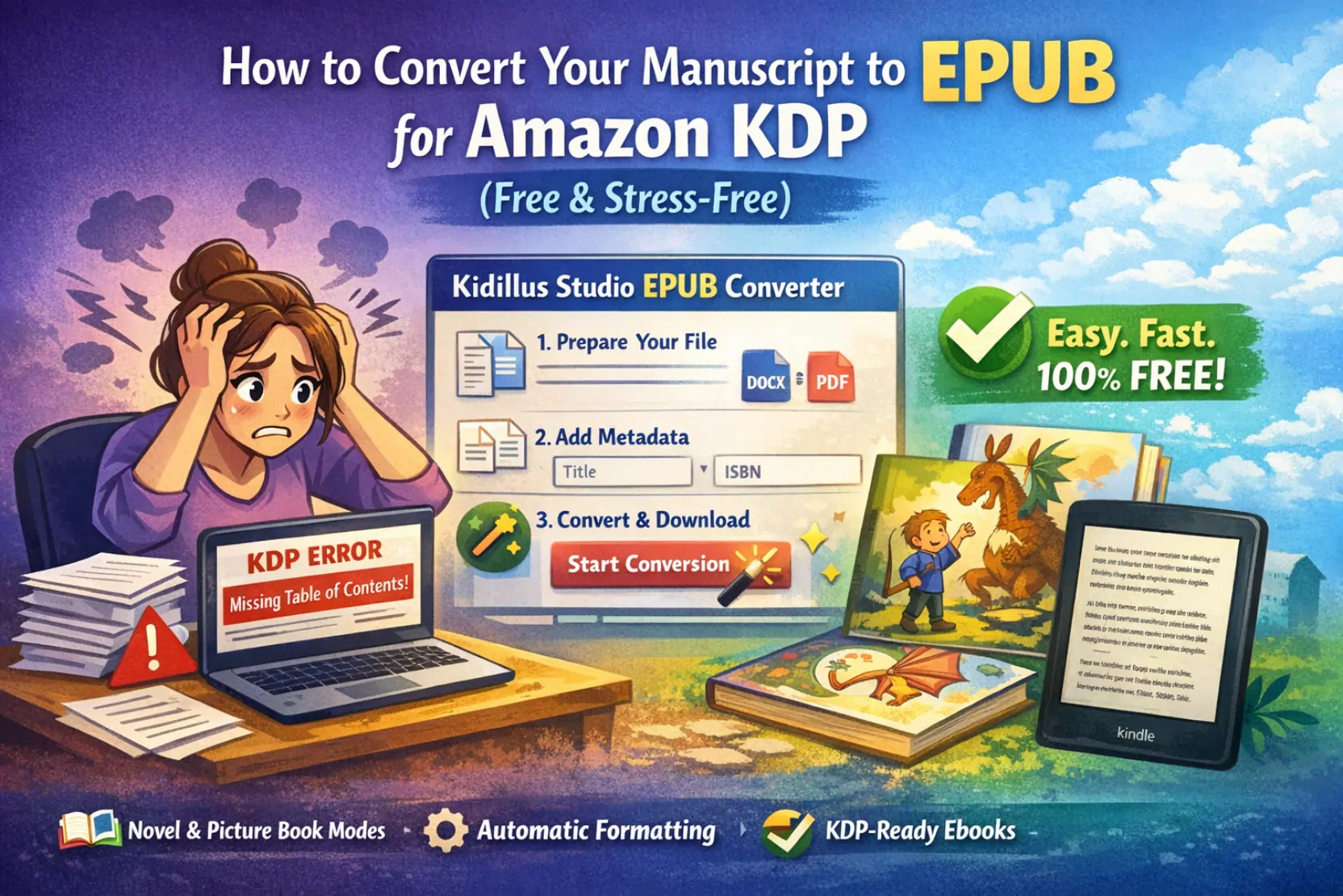
Publishing a book is an emotional rollercoaster. You’ve spent months (maybe years) pouring your heart into your story, only to hit a brick wall called "Formatting."
If you've ever tried to upload a file to Amazon KDP only to get error messages about "Missing Table of Contents" or "Image Scaling Issues," you aren't alone. Most authors get stuck here. You usually have two choices: spend hours learning complex software like Calibre or pay a freelancer hundreds of dollars to do it for you.
But what if there was a third option?
Introducing Kidillus EBook Studio
At Kidillus, we live and breathe children’s books and novels. We realized that independent authors needed a professional-grade tool that actually works—without the price tag. That’s why we built the Kidillus EBook Studio.
Why This Tool is a Game Changer for Self-Publishers:
- Massive 1GB Limit: Most online converters crash if your file is over 50MB. If you’re publishing a high-quality picture book, you need more space. We support files up to 1GB.
- Novel vs. Picture Book Modes: We don't believe in "one size fits all."
- Novel Mode creates a Reflowable EPUB (perfect for text-heavy books where readers want to change font sizes).
- Picture Book Mode creates a Fixed-Layout EPUB (essential for children's books and comics where the art must stay exactly in place).
- EPUB 3.3 Standards: Our engine generates files that follow the latest industry standards, ensuring your book looks perfect on everything from a Kindle Scribe to an iPad Pro.
How to Convert Your Book in 3 Simple Steps:
1. Prepare Your File For novels, make sure your chapter titles are set to "Heading 1" in Word. This allows our tool to automatically build your Table of Contents. For picture books, just have your high-res PDF ready.
2. Upload and Add Metadata Drag your file into the Kidillus EBook Studio. Add your title, author name, and ISBN. Pro Tip: Don't skip the metadata—it’s how retailers like Amazon track your sales and help readers find your book!
3. Convert and Download Hit "Start Conversion." Our system processes your images at 300 DPI to ensure they look crisp. Within seconds, your KDP-compliant EPUB is ready for upload.
Final Thoughts
Technical barriers shouldn't stop great stories from being told. Whether you are a first-time author or a seasoned pro, give the Kidillus EBook Studio a try. It’s 100% free, requires no sign-up, and is built by people who love books as much as you do.