
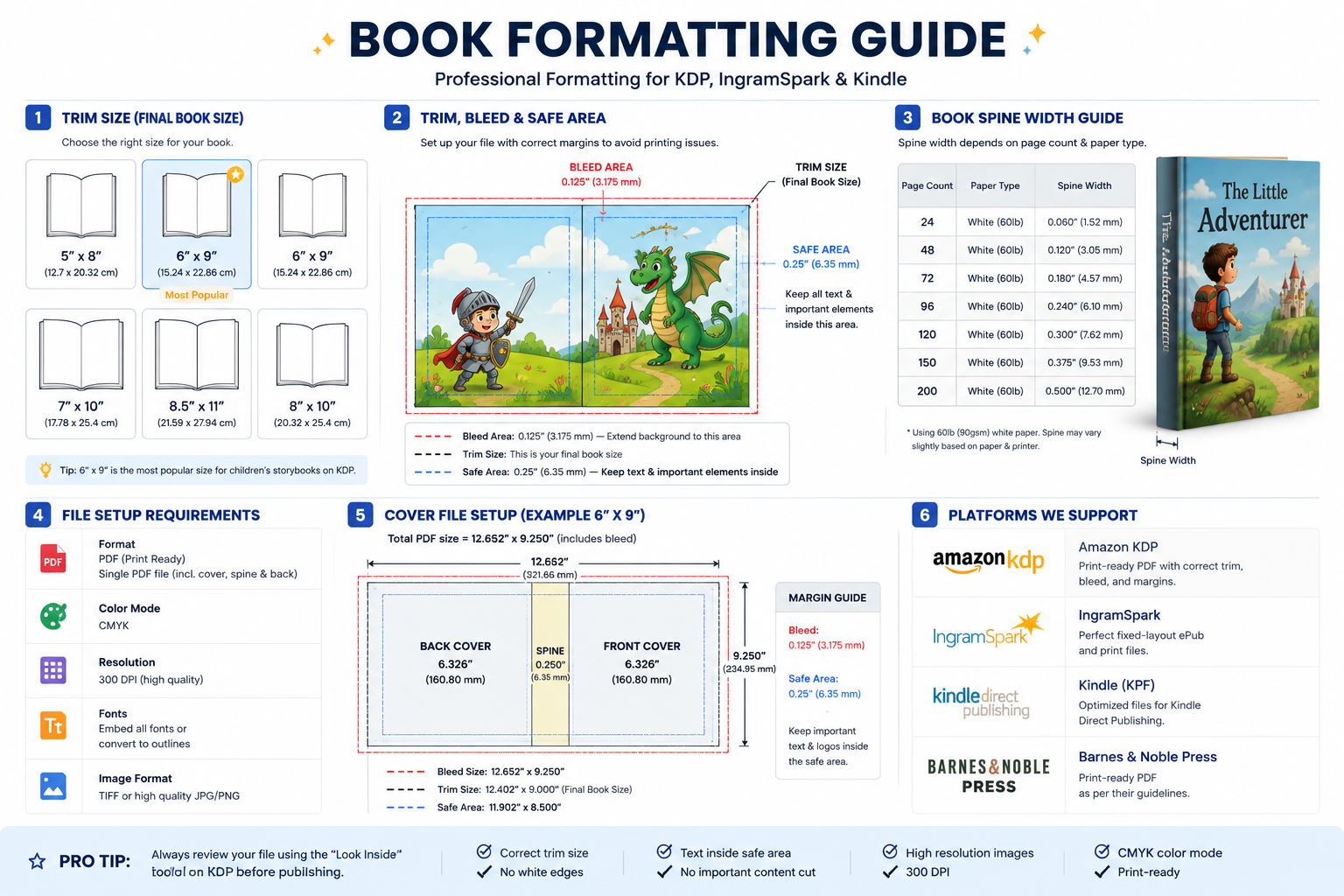
Complete Book Formatting Guide for Amazon KDP, Kindle & IngramSpark
Publishing a children's book isn't just about great illustrations and an engaging story. Proper book formatting is equally important. A single mistake in trim size, bleed, margins, or spine width can lead to printing errors or even rejection during Amazon KDP review.
This guide explains everything you need to prepare a professional print-ready book.
What is Book Formatting?
Book formatting is the process of preparing your manuscript and illustrations so they meet the technical requirements of printing platforms such as:
- Amazon KDP
- Kindle (KPF/ePub)
- IngramSpark
- Barnes & Noble Press
Proper formatting ensures your book prints correctly on every page.
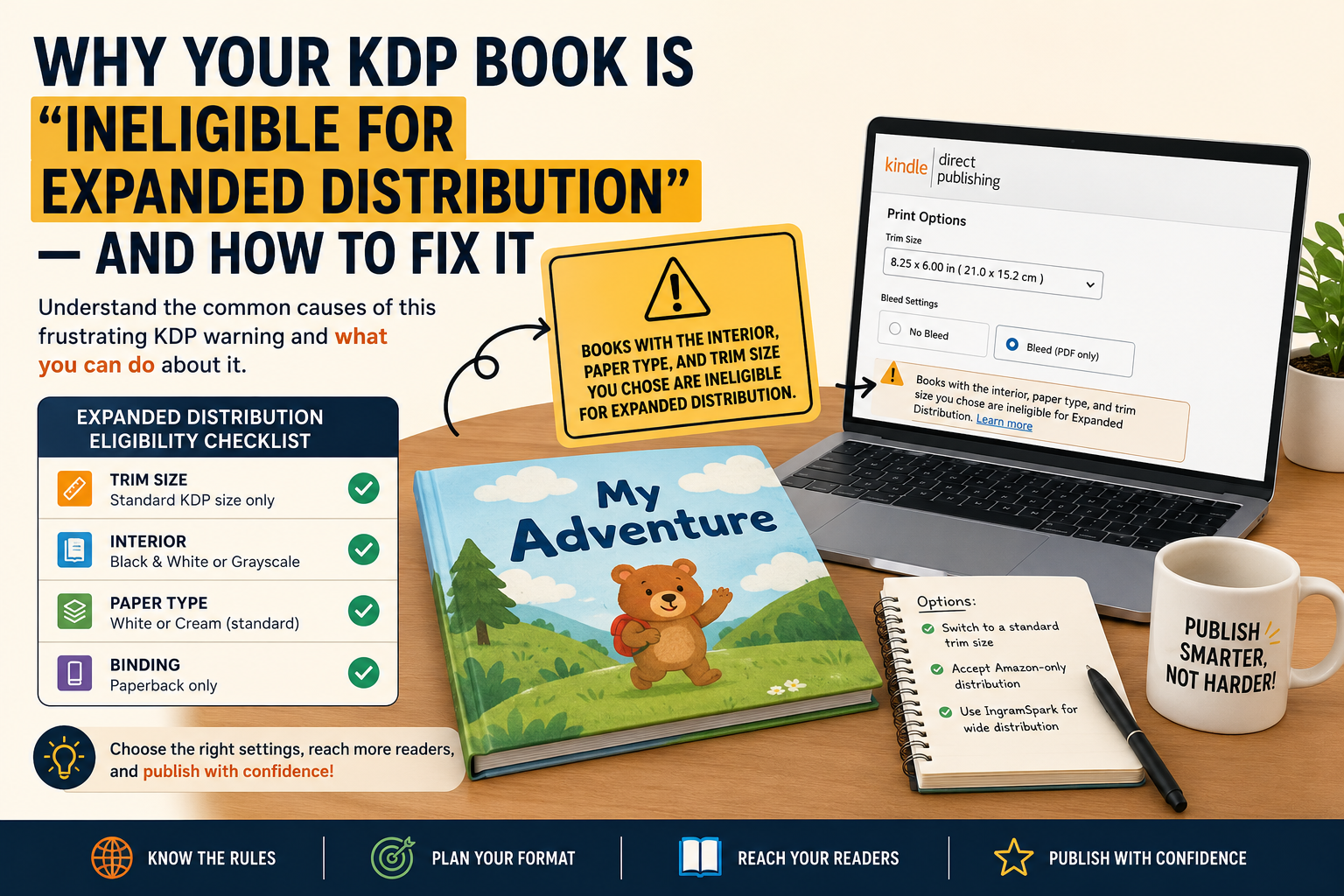
Choose the Correct Trim Size
The trim size is the final size of your printed book after it has been cut.
Popular children's book sizes include:
- 6" × 9"
- 8.5" × 8.5"
- 8" × 10"
- 8.5" × 11"
- 7" × 10"
Choosing the correct trim size depends on your audience, artwork, and publishing platform.
Understanding Bleed
Bleed is the extra artwork that extends beyond the trim line.
Amazon KDP requires 0.125" (3.2 mm) bleed on all sides for full-page illustrations.
Without bleed, unwanted white edges may appear after printing.
Safe Area
The safe area is where all important content should remain.
Keep:
- Text
- Character faces
- Logos
- Important illustrations
inside the safe margin to prevent accidental trimming.
Book Spine Width
Your spine width depends on:
- Page count
- Paper type
- Printing specifications
A professional cover must include the correct spine measurement so the title aligns perfectly after printing.
Print-Ready PDF Requirements
A professional print-ready file should include:
- 300 DPI resolution
- CMYK color mode
- Embedded fonts
- Correct trim size
- Proper bleed
- Safe margins
- High-quality images
These settings help ensure successful approval on Amazon KDP and IngramSpark.
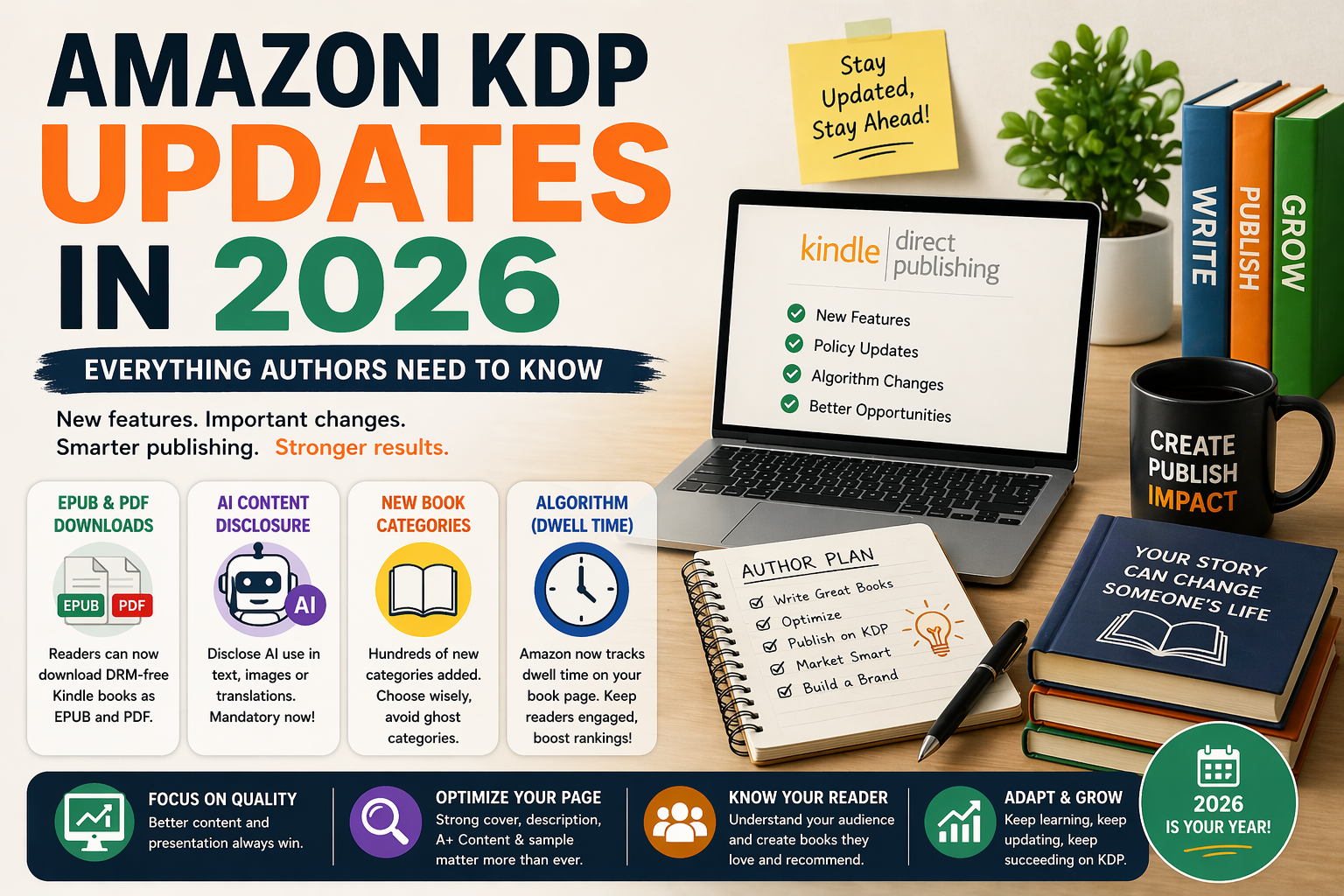
Kindle Fixed Layout ePub
Picture books require Fixed Layout ePub formatting because it keeps illustrations and text locked in place across all devices.
Unlike reflowable eBooks, Fixed Layout preserves your original design.
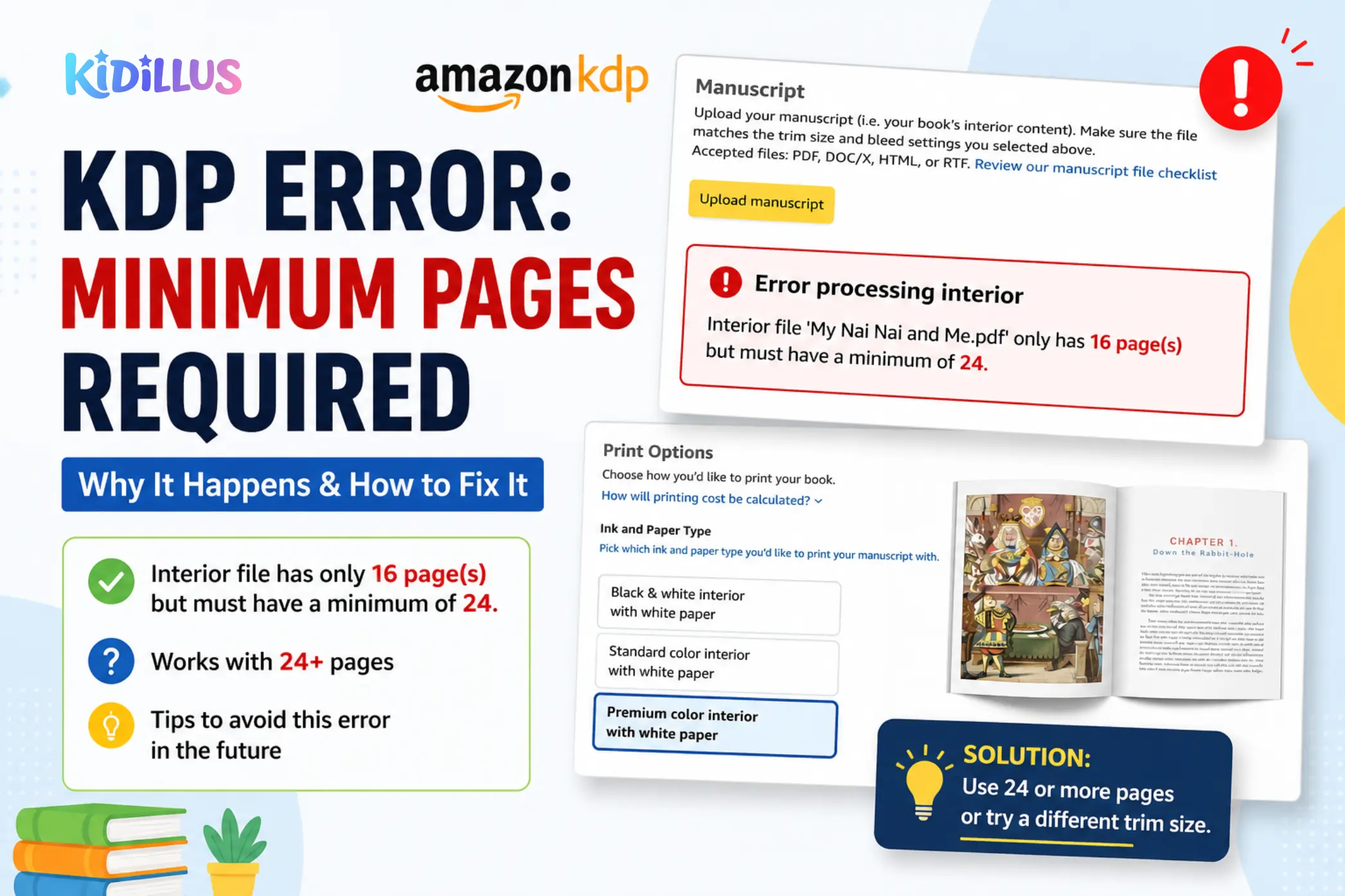
Common Formatting Mistakes
Many books are rejected because of:
- Wrong trim size
- Missing bleed
- Incorrect spine width
- Low-resolution images
- Text too close to edges
- Incorrect margins
- RGB instead of CMYK
- Missing embedded fonts
Avoiding these mistakes saves time and prevents publishing delays.
Why Professional Book Formatting Matters
Professional formatting provides:
- Faster KDP approval
- Better print quality
- Professional appearance
- Correct file structure
- Platform compatibility
- Improved reader experience
Whether you're publishing your first children's book or your tenth, proper formatting is a worthwhile investment.
Need Professional Book Formatting?
At Kidillus, we create professional files for:
- Amazon KDP
- Kindle Fixed Layout ePub
- IngramSpark
- Barnes & Noble Press
- Hardcover & Paperback
- Children's Picture Books
- Activity Books
- Coloring Books
Our team prepares print-ready files that meet publishing requirements and help your book pass review with confidence.
Final Thoughts
Professional formatting is the final step before publishing, but it has a major impact on the quality of your finished book. By choosing the correct trim size, adding proper bleed, calculating the correct spine width, and exporting a print-ready PDF, you'll be ready to publish successfully on Amazon KDP, Kindle, and IngramSpark.